







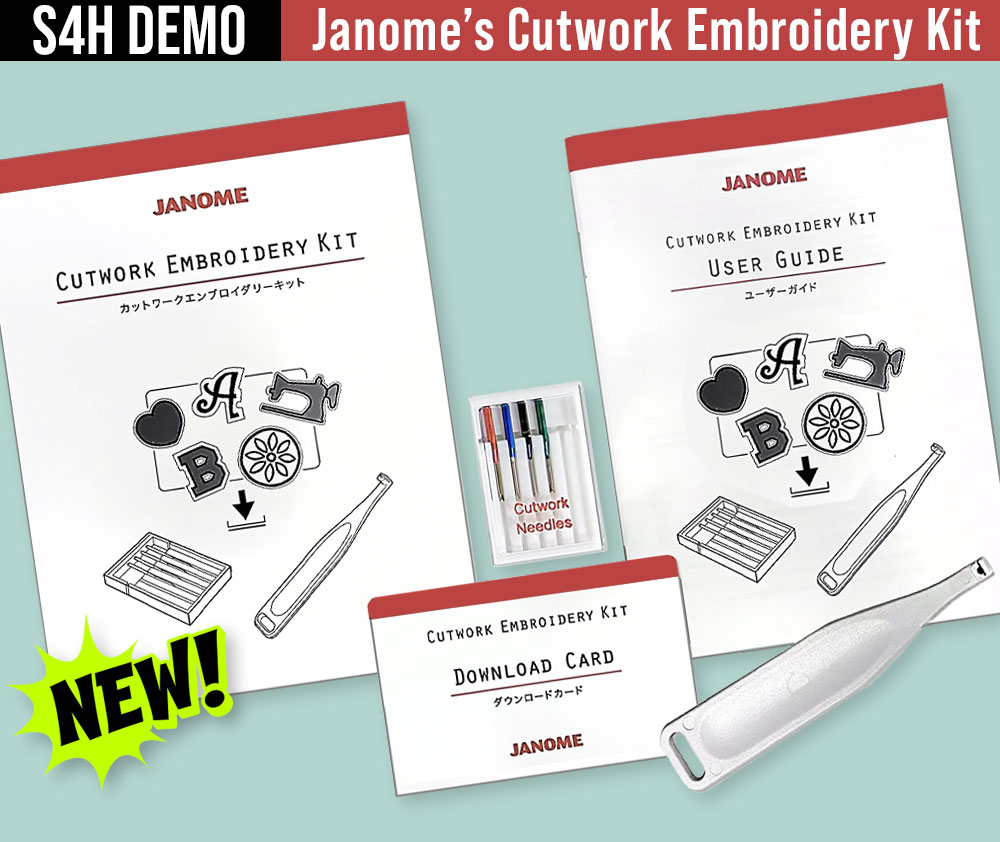
It’s always fun to test new accessories. Working with a unique tool can spark unique ideas. As a Janome exclusive studio, we were able to try out their new Cutwork Embroidery Kit. It’s a bit different than what you might initially think of when envisioning “cutwork,” but the application options using your home embroidery machine are quite varied – as you’ll see below with our sample projects. Plus, there’s the ability to go down even more creative paths when you pair the Kit with embroidery digitizing software.
Our goal was to show the Kit in action using a standard embroidery machine, the designs that come with the Kit, and the positioning features available right on the machine’s main embroidery screen. We choose the Janome Memory Craft 1000 for our demos.
The Cutwork Embroidery Kit contains FOUR precision-machined cutwork needles, the cutwork needle holder, a user guide, and the design download card.
We focused on three techniques: cutwork shapes, a windowpane floral design, and cutwork lettering. The videos embedded below give you a good summary of how we achieved each one, and the beauty images showcase how cute – and professional – they all turned out.
This was a S4H Team Effort, but special notoriety goes to Michele Mishler for her inspiring sample ideas, and for her starring role as the hand model in all three videos shown below.
Cutwork Shapes = Clever Tic Tac Toe
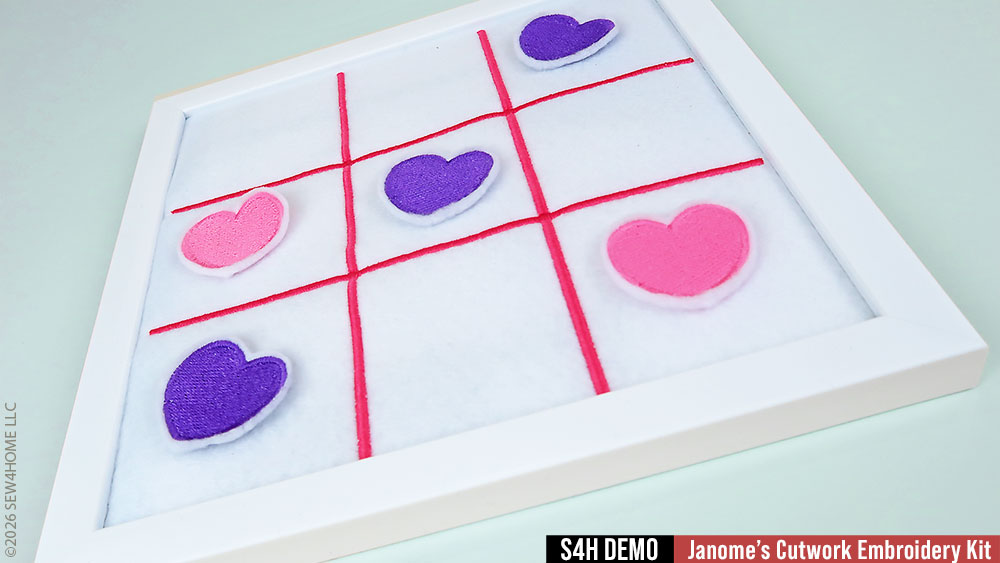
There are 66 downloadable designs included with the Kit – both shapes as well as two complete alphabets. We selected the Heart shape for our Tic Tac Toe game.
You’ll download the designs from the Janome website onto your computer. Then, using a blank USB memory stick, insert the stick into your machine to format it properly. Insert the now-formatted stick into your computer, and move the selected design onto it. Back to the machine with the stick to bring in the design, opening it on the main embroidery screen.
Each heart was embroidered first. Then, the standard embroidery needle was switched out for the cutwork needles. As mentioned above, there are four needles, each with a unique cutting angle. The included holder makes switching them out so easy (seriously — this holder is amazing!). And, they are color-coded on the embroidery screen so there’s no confusion about which cutwork needle is next.
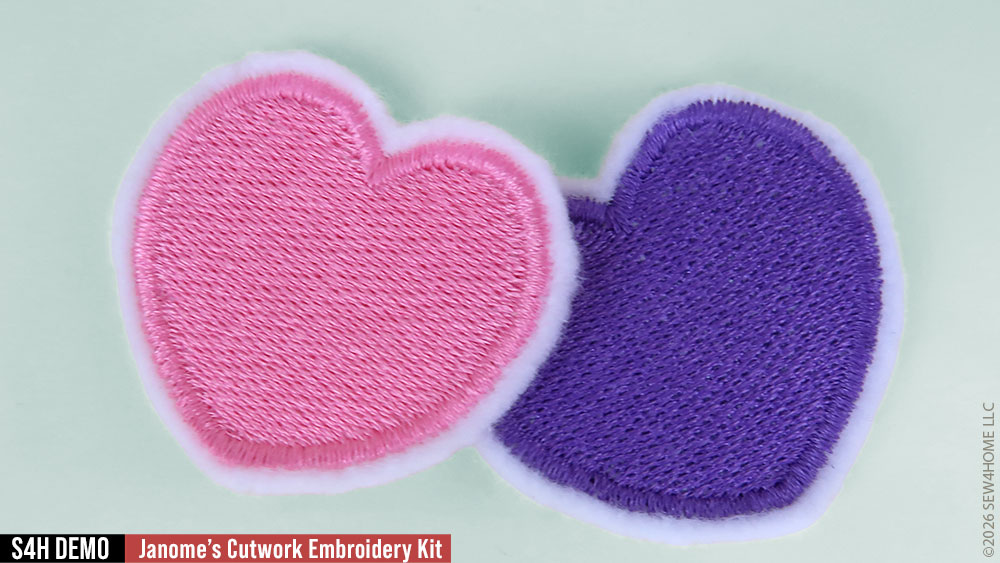
These cutwork needles (we took to calling them “knives” after watching them work their slicing magic) are incredibly precise, even when cutting around intricate curves and angles.
Once you remove the hoop from the machine, a few “stay stitches” hold the design in place. Snip through the stitches and pop out the finished design. It’s like a mini patch.
Our Tic Tac Toe “game board” was created with standard satin stitches on felt, then inserted into a picture frame.
The video below, which was originally produced in a vertical format for social media, summarizes the steps.
[html5_video id=126678]
Windowpane Floral Design = A Terrific Tote
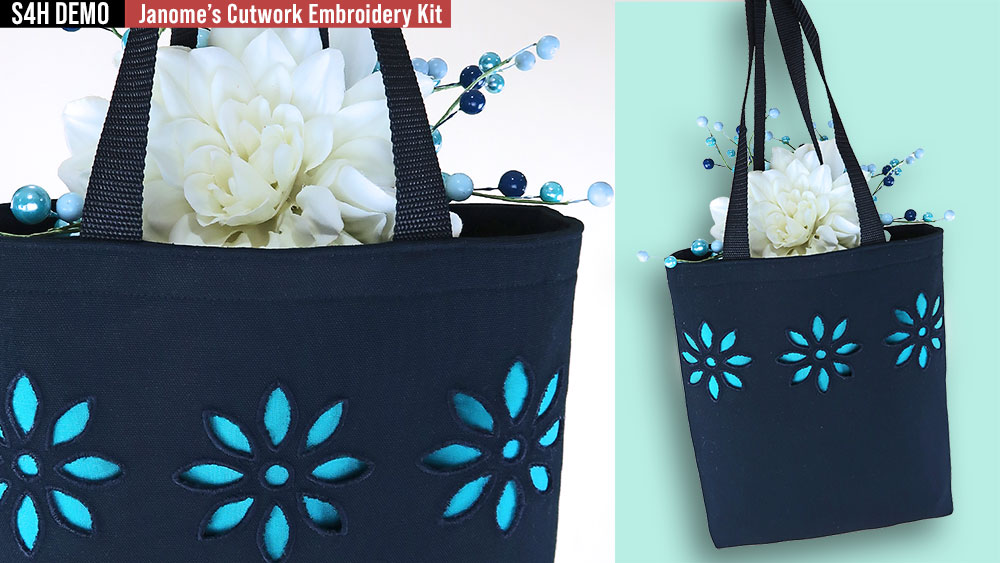
If the picture that first comes to mind when you hear “cutwork” is an elegant embroidered collar on a beautiful blouse, you’re not alone. This Cutwork Embroidery Kit focuses more on the outline cutting of shapes and letters, but… that doesn’t mean you can’t achieve a more traditional outcome.
We selected the Floral Coaster design from the included design set, stitching it in a single color and without its circle outline. Getting the design into the computer follows the same steps as described above for the Tic Tac Toe sample.
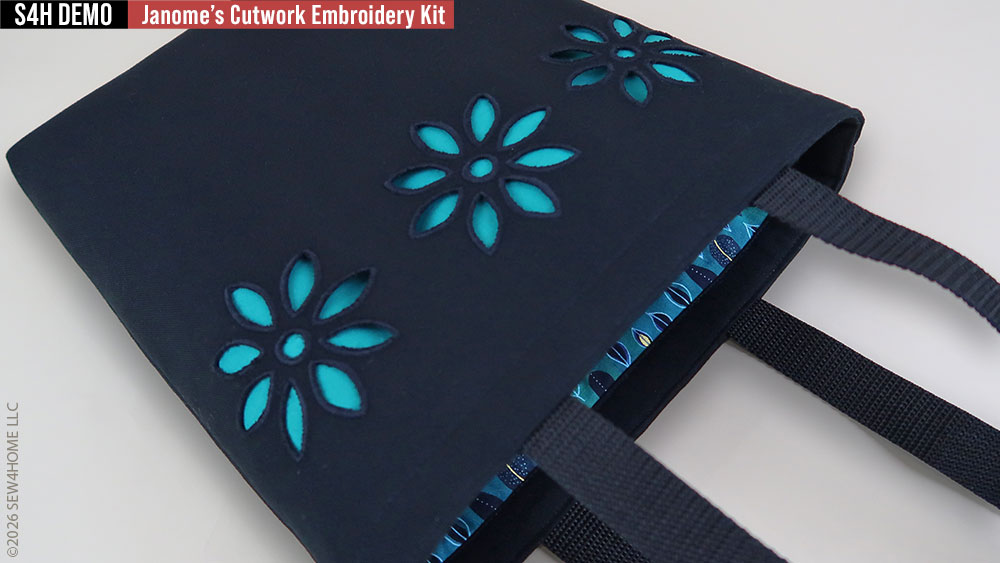
The main difference here is the first step is the cutting, followed by the embroidery, which finishes each of the cut-out petals. We used a sticky stabilizer to hoop the entire front panel of our sample tote. This stabilized the cutting process; we then layered more under the design for the embroidery.
After removing all the stabilizer to reveal our “windowpane floral,” a bright background fabric brings out the cutwork finish! As you can see in the images, we repeated three designs across the front of a striking black tote.
Watch a summary of the steps in the video below.
[html5_video id=126680]
Cutwork Lettering = Personalized Ball Cap
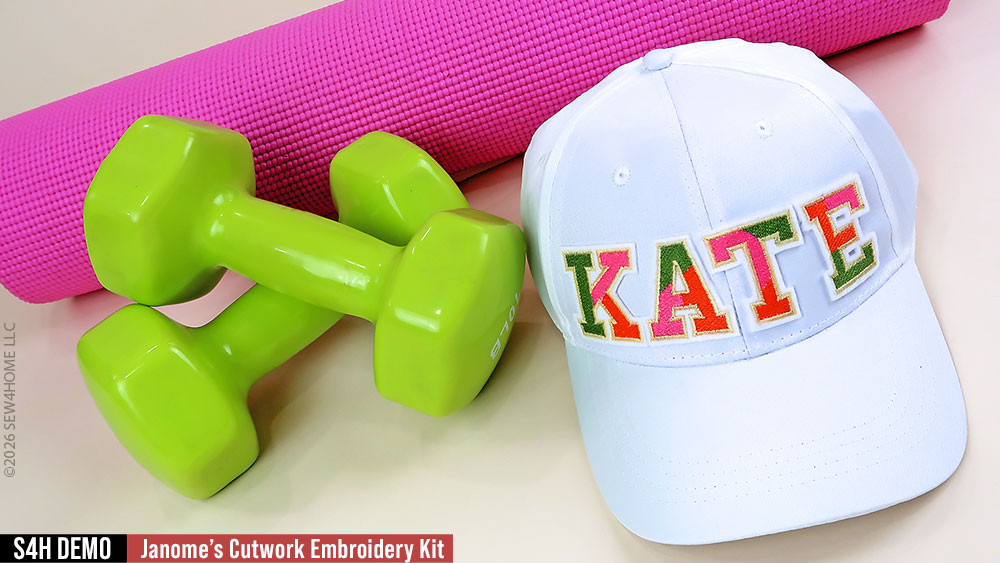
The process to use the included lettering alphabets is similar to the heart described above. Our focus was to show how you could fit four letters into the hoop (we are using the standard SQ14e hoop on the Janome MC1000 that is 5.5” x 5.5”), making it easy spell out a name or monogram in just one hooping
We transferred the letters we needed for our name into the machine. Using the positioning features available right on the machine’s main embroidery screen, we could move our starting position for the first letter into the upper left corner. Each letter is first embroidered and then cut. Subsequent letters take up their positions in the other corners.
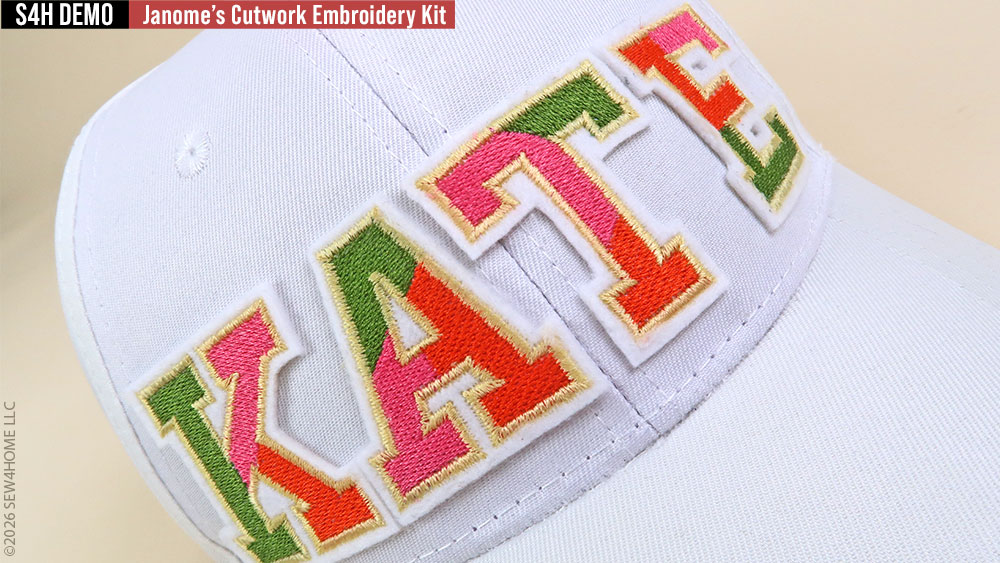
It was particularly fun to watch the cutwork needles in action on these letters with all their intricate angles, including inner cutouts required to correctly form a letter, such as the “E.”
As above, our video shows you a short summary of the Kit in action.
[html5_video id=126675]
Take the Next Step with Artistic Digitizer
All these fun projects were done by using the standard embroidery capabilities of the Janome MC1000 sewing and embroidery model, and as you can see, there are a lot of fun things you can do! If you want even more flexibility, the Cutwork Embroidery Kit pairs beautifully with Artistic Digitizer, giving you the ability to access other designs – even your own custom created designs – to use with these “magic knives.” This powerful embroidery editing software can turn a stitch file into a cutting file, which means the above mentioned “elegant embroidered collar on a beautiful blouse” would be well within your reach — as would gorgeous heirloom linens, custom logo patches, and more.
Visit your local Janome Dealer for current pricing and availability as well as for an in-person demonstration of the Cutwork Embroidery Kit as well as Artistic Digitizer.
